Amazon Title Policy Applies to All Listings
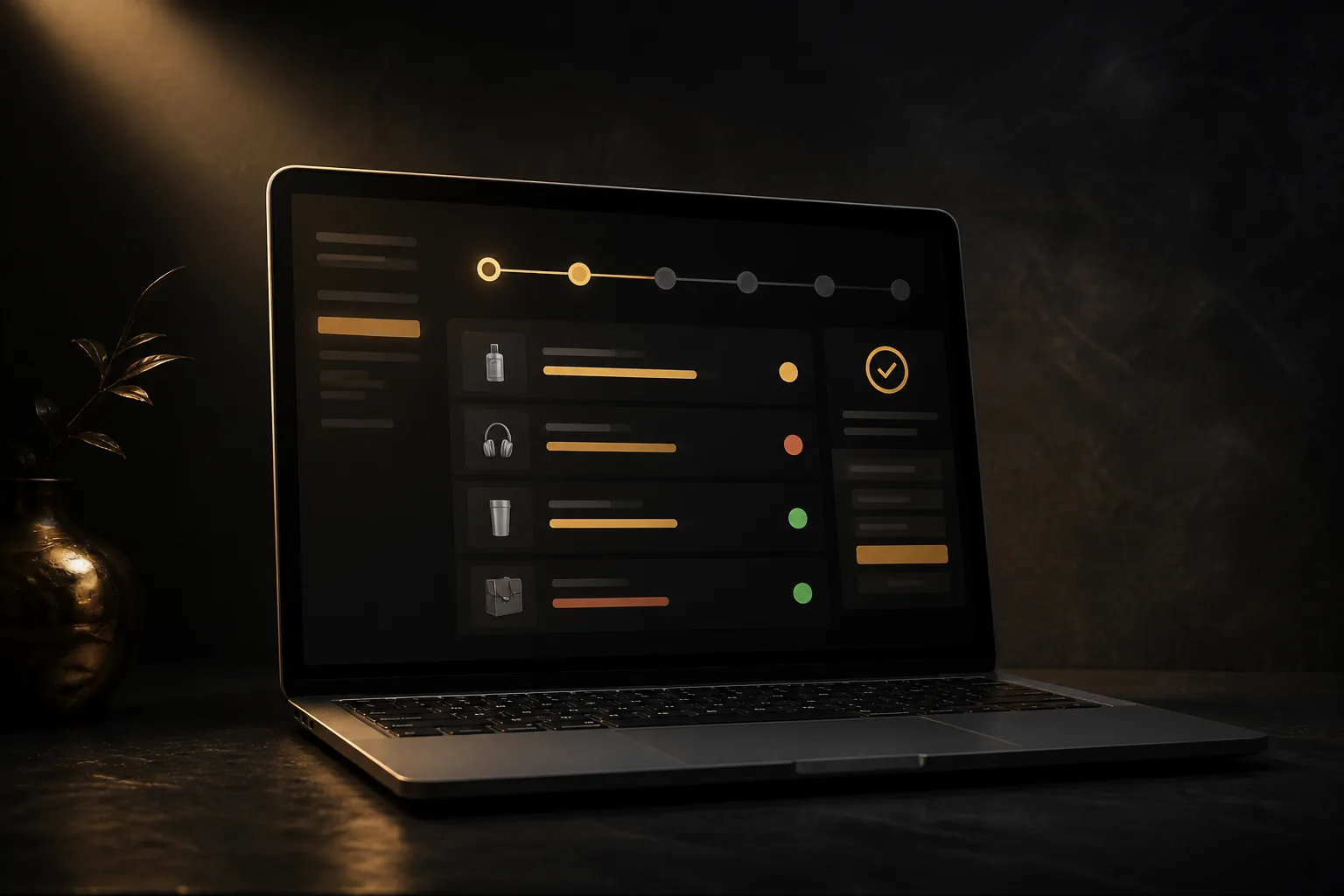
Amazon’s title cap is not only a seller rule; Amazon says its own retail listings are covered too. That matters because the policy changes how marketplace content is structured, not just how third-party sellers write titles.
TL;DR
- Amazon began limiting product titles to 75 characters, with the start date later extended to August 3, 2026, according to EcommerceBytes’ report on Amazon’s seller-board updates.
- Amazon told sellers the policy applies to Amazon listings as well, so this is a catalog-wide standard rather than a rule aimed only at third-party sellers.
- Sellers still get 200 characters for key product information, split between Item name and Item highlights: 75 characters for Item name and 125 characters for Item highlights.
- Amazon says Item name and Item highlights are both search inputs, and one is not prioritized over the other.
- Brand owners get 14 days to review, modify, and approve AI-generated recommendations in Review Listing Changes before implementation.
- If a title is already under 75 characters and policy compliant, Amazon’s moderator said Amazon will not make changes.
- Sellers should audit high-traffic ASINs first, protect critical variation attributes, and update titles in bulk with the Category Listings report where possible.
What Amazon Changed
Amazon’s new title structure breaks the old habit of stuffing every searchable attribute into the product title. The Item name now carries the core title, while Item highlights holds supporting details that still help shoppers understand the product.
According to the EcommerceBytes report, Amazon said sellers had updated over 984 million product titles since the policy was announced in June. That number shows this is not a small cleanup. It is a large catalog rewrite that affects how sellers organize product data at scale.
Amazon also clarified an important point in the seller-board discussion: its own listings are subject to the same title policy. Sellers often assume retail-owned ASINs get different treatment. On this rule, Amazon’s answer was direct: the policy applies to Amazon listings as well.
How Item Name and Item Highlights Work
The practical change is simple: sellers now split important product information across two fields instead of forcing everything into one long title. Amazon’s FAQ says sellers still have 200 characters for important product information, divided between Item name and Item highlights.
| Field | Character role | Best use |
|---|---|---|
| Item name | 75 characters | Brand, product type, highest-priority variation attribute, core descriptor |
| Item highlights | 125 characters | Secondary attributes, compatibility details, material, pack count, use case, size details |
Amazon recommends keeping the brand name in the Item name. That is the right default for most sellers. Brand plus product type is still the fastest way to tell both Amazon and the shopper what the item is.
The mistake to avoid is treating Item highlights like a dumping ground. Write it as clean, shopper-facing product information. Do not move title spam into a new field and expect a better result.
Search and Discoverability: What Amazon Said
Amazon’s FAQ says search and discoverability are unchanged. It also says Item name and Item highlights are both inputs for search, and one is not prioritized over the other.
That statement is important, but sellers should still act like title discipline matters. The Item name is the first thing shoppers scan on search results, product detail pages, carts, and order history. Even if both fields feed search, the visible title still drives click behavior.
Think of the Item name as your main shelf label. Think of Item highlights as the extra information that stops a shopper from bouncing because they cannot confirm size, compatibility, color, count, or material fast enough.
What Happens to Non-Compliant Listings
Amazon said it began making recommendations using existing product titles on non-compliant listings on July 27, 2026, with changes taking place throughout 2026. The source report also notes that the start date was later extended to August 3, 2026.
Amazon says listings remain active, editable, and searchable even if they have not been updated yet. That lowers the immediate suspension panic, but it does not remove the operational risk. Bad automated rewrites can damage conversion if they remove the wrong attribute or make variation titles unclear.
Brand owners get 14 days before AI-generated changes are implemented to review, modify, and approve them in Review Listing Changes. Treat that review window like an operations task, not a passive notification.
Which ASINs to Audit First
Start with the ASINs where a title mistake costs the most: top sellers, active PPC targets, Prime Day or Q4 inventory, parent-child variation families, and items with high return sensitivity. A bad title on a low-volume ASIN is annoying. A bad title on a hero SKU breaks traffic quality and conversion.
Prioritize these title checks in this order:
- Top revenue ASINs and Buy Box-critical SKUs.
- Sponsored Products and Sponsored Brands targets.
- Variation families where size, color, scent, count, or compatibility must stay visible.
- Products in regulated or sensitive categories.
- Listings with long legacy titles built from repeated keywords.
Do not wait for Amazon’s recommendation if your title is already bloated. Rewrite it yourself, keep the strongest terms, and move secondary attributes into Item highlights.
Variation Titles Need Extra Care
Amazon’s FAQ says sellers should include the most important variation attributes in the Item name. If the 75-character limit prevents all attributes from fitting, keep the most important attributes there and move the rest to Item highlights.
For apparel, that usually means product type, gender or fit, color, and size logic need careful handling. For hard goods, compatibility and count often matter more. For consumables, flavor, scent, pack count, and size can decide whether the shopper clicks the right child ASIN.
Your rule should be simple: if the attribute prevents a wrong purchase, it belongs as close to the Item name as possible. If it improves confidence but does not prevent a mismatch, Item highlights is the better home.
Bulk Updating Titles With the Category Listings Report
Amazon’s FAQ says sellers can download the Category Listings report, which will be pre-populated with product information already provided. The Item highlights field appears next to the Item name in the report.
That workflow is the cleanest path for sellers with many affected ASINs. Download the report, update both fields in the spreadsheet, save it, and upload it through List Your Products. Amazon says listings are typically updated within eight hours.
Before upload, run a basic QA pass. Check character counts, banned claims, duplicated words, missing brand names, broken variation attributes, and titles that no longer match the main image. A compliant title that misrepresents the product still creates buyer complaints and return risk.
How to Rewrite Amazon Titles Under the New Policy
Use a consistent title formula by category. A structured formula keeps your catalog clean and makes bulk QA faster.
| Product type | Strong Item name pattern | Move to Item highlights |
|---|---|---|
| Apparel | Brand + product type + gender or fit + key variation | fabric, occasion, care, secondary features |
| Electronics accessory | Brand + product type + compatibility + key count | model details, material, color, use case |
| Home product | Brand + product type + size or material + key feature | room, finish, set details, installation notes |
| Consumable | Brand + product type + flavor or scent + size cue | dietary notes, pack details, usage context |
Cut repeated keywords first. Then remove promotional words, punctuation clutter, unsupported claims, and redundant descriptors. Keep the words that identify the product and prevent the wrong shopper from clicking.
Do not rewrite titles only for the A9 or COSMO ranking systems. Amazon’s ranking systems need structured relevance signals, but shoppers still decide whether the listing earns the click. A clean title that matches the product beats a keyword-heavy title that looks untrustworthy.
What to Monitor After Updates Go Live
After you update titles and Item highlights, watch the same signals you would monitor after any major listing content change: sessions, click-through rate, conversion rate, PPC query quality, return reasons, and customer questions.
For PPC, do not assume the same queries will perform the same way after a title rewrite. If a key compatibility term moved from Item name to Item highlights, traffic quality should hold if Amazon’s search statement plays out, but click behavior may still shift because shoppers see less text upfront.
Also check mobile detail pages. Amazon said Item highlights would display beneath the Item name across desktop and mobile effective August 10, 2026, with visible characters varying by screen size and display settings. Mobile truncation makes the first words of both fields matter.
Seller Takeaway
This policy is not a reason to panic. It is a reason to stop treating titles as keyword storage. Amazon is pushing listings toward cleaner, structured fields, and sellers who adapt early will avoid rushed AI edits later.
Your best move is to own the rewrite. Keep brand and product identity in the Item name, move supporting details into Item highlights, protect the variation attributes that prevent wrong purchases, and review Amazon-generated changes before they go live.
See also
FAQ
Does Amazon’s new product title policy apply to Amazon’s own listings?
Yes. In the seller-board exchange reported by EcommerceBytes, an Amazon moderator said the policy applies to Amazon listings as well.
What is the Amazon title character limit under the new policy?
Amazon’s FAQ described a 75-character Item name limit, with 125 characters available in Item highlights. Together, the two fields provide 200 characters for important product information.
Will Amazon change a title that is already compliant?
Amazon’s moderator said that if a title is already under 75 characters and policy compliant, Amazon will not make changes.
Do Item highlights affect Amazon search?
Amazon said Item name and Item highlights are both inputs for search, and one is not prioritized over the other. Sellers should still write Item highlights clearly because shoppers see them on the detail page.
Can sellers edit Amazon’s AI-generated title recommendations?
Yes. Amazon said brand owners have 14 days to review, modify, and approve AI-generated changes in Review Listing Changes before implementation.
What should sellers keep in the Item name?
Keep the brand name, product type, and the most important purchase-defining attribute in the Item name. Move secondary details such as materials, compatibility notes, pack details, and use cases into Item highlights.
How should sellers update many affected listings at once?
Use the Category Listings report. Amazon said sellers can download it, update Item name and Item highlights in the spreadsheet, then upload it through List Your Products.
Amazon’s title policy rewards sellers who keep listing data clean, structured, and reviewable at scale. Put the highest-risk ASINs first and stop letting automated edits decide your catalog quality.
Sources
Related articles
- Amazon Insurance Requirements 2026: Seller Action Plan
- Marketplace Policy Changes: What Amazon and Walmart Sellers Should Learn From Apple’s EU Fee Reset
- Canadian Tariffs for Amazon and Walmart Sellers
Tags: amazon, listings, policy, seo, account health